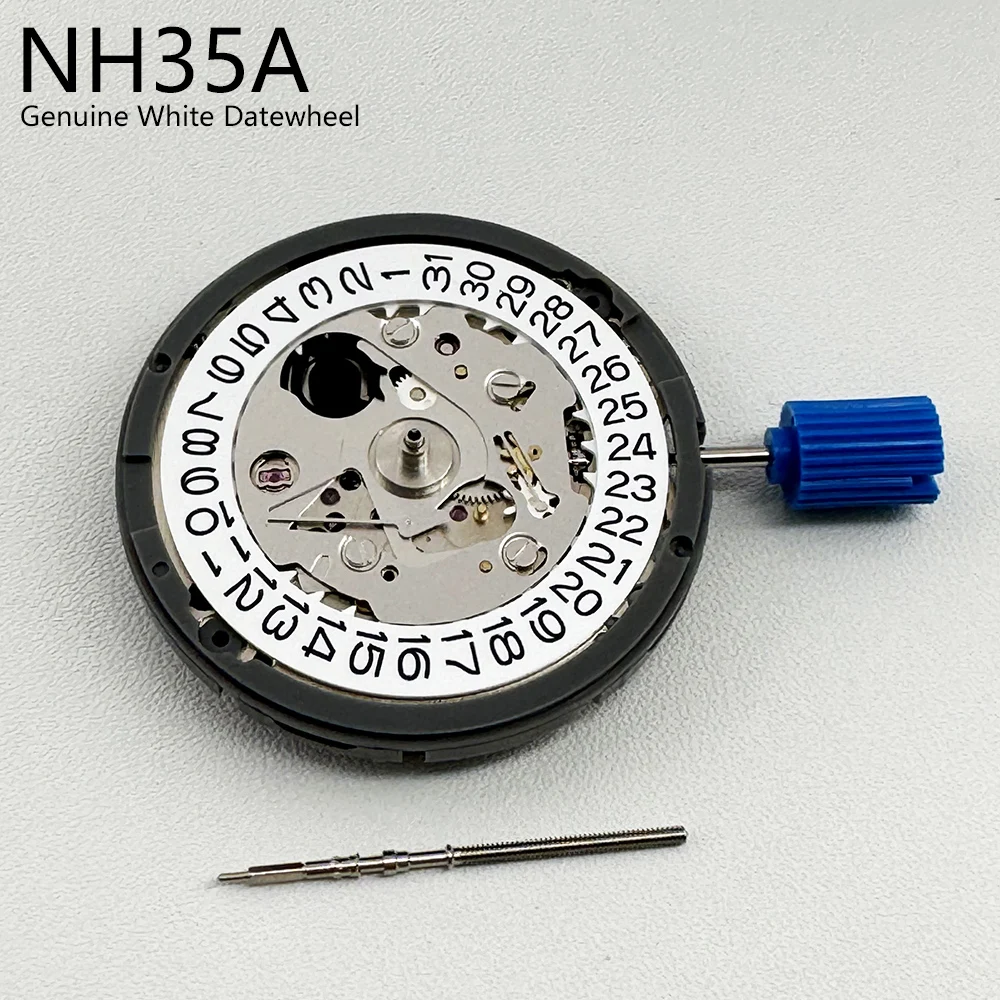
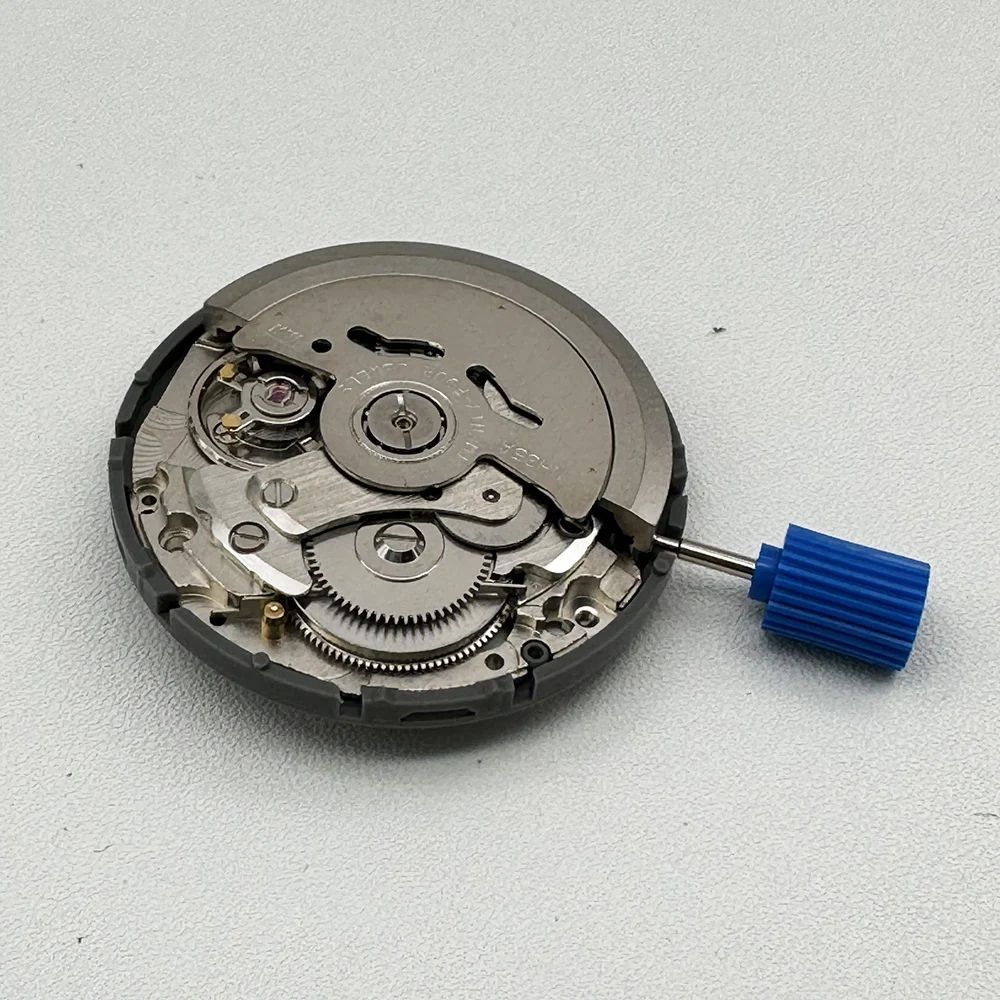
TMI Seiko NH35A Automatic Mechanical Watch Movement 24 Jewels Date 3H
TMI Seiko NH35A Automatic Mechanical Watch Movement 24 Jewels Date 3H
Couldn't load pickup availability
TMI Seiko NH35A Automatic Mechanical Watch Movement – 24 Jewels
Restore or upgrade a compatible mechanical watch with the TMI NH35A automatic movement. Featuring automatic self-winding and manual winding capabilities, this mechanical movement offers reliable timekeeping functionality with a date display at the 3 o'clock position.
Designed for compatible watch repair, replacement, and custom watch modification projects.
Key Features
- TMI NH35A automatic mechanical movement
- 24-jewel movement construction
- Automatic self-winding mechanism
- Manual hand-winding capability
- Hacking function – seconds hand stops when setting the time
- Quick-set date function
- Three-hand time display with date at 3 o'clock
- Suitable for compatible watch repair and modification projects
Product Specifications
- Manufacturer: TMI (Time Module Inc.) / Seiko Instruments
- Caliber: NH35A
- Movement Type: Automatic Mechanical
- Jewels: 24
- Display: Hour, Minute, Second and Date
- Date Position: 3 o'clock
- Frequency: 21,600 vibrations per hour (3 Hz)
- Power Reserve: More than 41 hours
- Movement Diameter: 27.40mm
- Casing Diameter: 29.36mm with dial holding spacer
- Movement Height: 5.32mm
- Accuracy: -20 to +40 seconds per day (manufacturer specification)
Compatibility
Designed for compatible NH35A watch cases, dials, and hand sets.
Before purchasing, verify movement dimensions, dial feet position, date-window alignment, hand-fitting dimensions, stem length, and crown position. Not every watch designed for another automatic movement will accept the NH35A without modification.
Package Includes
- 1 x TMI NH35A Automatic Mechanical Watch Movement
Watch case, dial, hands, crown, and additional installation accessories are not confirmed as included.
Installation Notes
- Professional watchmaker installation is recommended.
- Handle the movement carefully during installation.
- Avoid quick-setting the date between approximately 9 PM and 4 AM to prevent damage to the calendar mechanism.
- Check movement operation and timekeeping after installation.